Introduction
AI video models have become surprisingly effective at keeping characters consistent across scenes, but props still drift from frame to frame. The reason is fundamental: most models treat objects as text descriptions rather than locked visual subjects. When you type a silver medallion each time, the model reconstructs it from scratch, often producing a slightly different object. This article explains how to build prop reference sheets and maintain shot-to-shot continuity.
What Happened
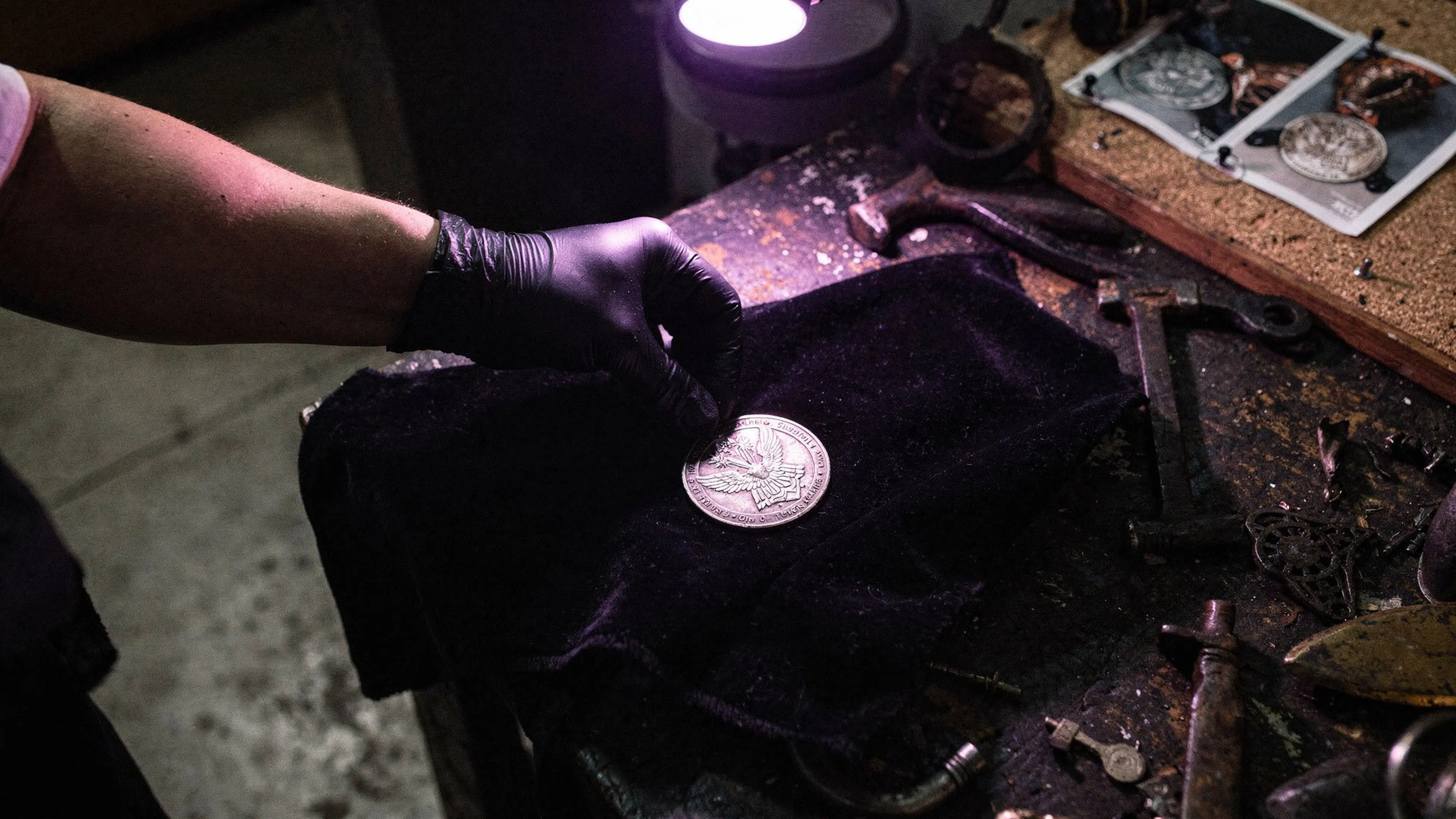
Frank Houbre noticed that while the knight's face remained locked across three generations on Lost Garden, the silver medallion around his neck carried three different engravings. The model wasn't retaining the object; it was re-describing it every prompt. This prop drift is a common blind spot in AI filmmaking, especially when the same object must read identically in wide establishing shots and tight close-ups.
Why This Matters
A mismatched prop may go unnoticed in a single frame, but back-to-back shots with inconsistent objects break visual continuity and undermine story credibility. Since AI models don't store a visual memory of objects by default, filmmakers need to provide explicit reference data. Treating a prop like a character—with a dedicated reference image—prevents the model from re-inventing it each time.
Key Takeaways
- Generate the prop alone, from two or three angles, with flat lighting and no occlusion. A held prop introduces hand-position and grip variables that confuse the model.
- Lock the reference sheet before any video generation begins. If the prop looks wrong in the reference, fix it there; correcting shot-by-shot only generates more variations.
- Attach the reference as an actual image asset using your video tool's reference mechanism, not just a text description.
- Keep the descriptive language identical in every subsequent prompt. The reference does the heavy lifting, but surrounding words still guide the model.
- Combine the prop and character references at shot time, not during generation. Keep turnaround documents separate until the actual prompt.
- For props that change state (lit to dark, damaged, worn), generate a new reference sheet for each state. One sheet across a transformation causes inconsistency.
- Tool-specific notes: Runway's Gen-4 References accepts up to three images per generation; Kling AI's Multi-Image Reference and Element Reference handle still and video clips; Seedance 2.0 supports up to 12 assets with @image1-style syntax.
- Never build a character-and-prop reference together. If the character holds the prop in the reference, angle changes re-guess the grip and distort the object.
- Reflective or transparent props (metal, glass, gemstones) need a close, evenly-lit reference angle to convey material behavior.
- Reserve prop reference sheets for recurring objects or story-critical items. A one-shot prop doesn't need the setup.
Conclusion
Prop consistency isn't a model shortcoming; it's a reference-building task. Generate the prop alone, lock the image, reference it every time, and your audience will see the same sword, medallion, or lantern across every frame. If your character's face is steady but the object in their hand keeps changing, you haven't built the reference yet; you've just found the model's limit.



Discussion
Join the conversation
Thoughtful reactions, questions, and follow-up ideas help shape the next story.