Introduction
Graphify is an open-source tool that transforms Python projects into interactive code graphs. I tested it on a real repository to evaluate its performance, output quality, and practical value for developers exploring codebases.
What Happened
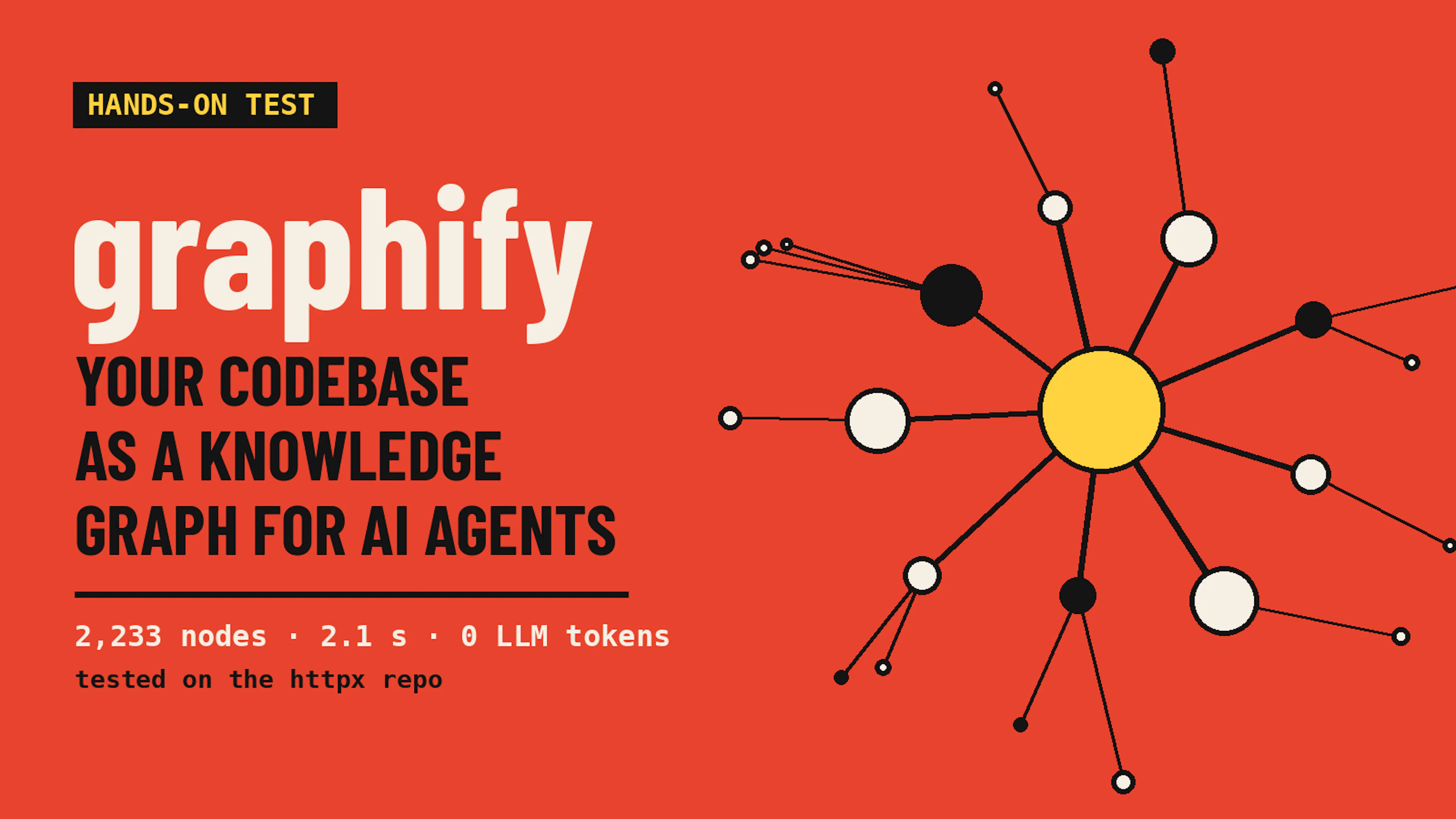
I installed Graphify on a Debian environment and pointed it at the httpx HTTP client library, which contains roughly 17,750 lines of Python code. A full graph build took roughly two seconds, producing 2,233 nodes, 4,453 edges, and 166 communities. The tool generated three output files: an interactive HTML graph, a markdown summary, and a JSON payload for programmatic querying.
Why This Matters
The explain command reduced token consumption from roughly 13,659 tokens (reading the source file) down to 628 tokens, approximately 20x savings. The path command traced a three-hop connection in a single line, and the query command performed a breadth-first search that flagged a truncation warning when the budget was exhausted. God nodes such as Response and Request emerged as central hubs, while so-called surprising connections mostly repeated documentation headings. Community labeling with a small local model proved impractical, taking over 11 minutes without finishing.
Key Takeaways
- Graphify is free, local, and fast enough for instant feedback during development
- The explain command offers a cheap map for agents before they open source files
- Ambiguous names can cause collisions, but the path::symbol form resolves most issues
- Small local models struggle with community labeling, but an API key or larger model fixes it
- Adding graphify update to a git hook lets the graph stay current with minimal overhead
Conclusion
If you work regularly with Python codebases and want to reduce token overhead before an LLM session, Graphify earns a place in your toolchain. Its deterministic parsing, instant rebuilds, and token-cheap queries make it practical for automation, especially when paired with a git hook. It doesn't replace reading code for modifications, but it gives you a significant head start.








Discussion
Join the conversation
Thoughtful reactions, questions, and follow-up ideas help shape the next story.